Homes and home offices
We build reliable wired and wireless connectivity around your layout and devices.
- Reduce Wi-Fi dead zones
- Wired ports and mesh networks
- Home office networks
We support new installations, moves, expansions and wireless coverage improvements for homes, home offices, SOHO businesses, offices, stores and buildings. Cabling, equipment configuration, testing and documentation follow one workflow.
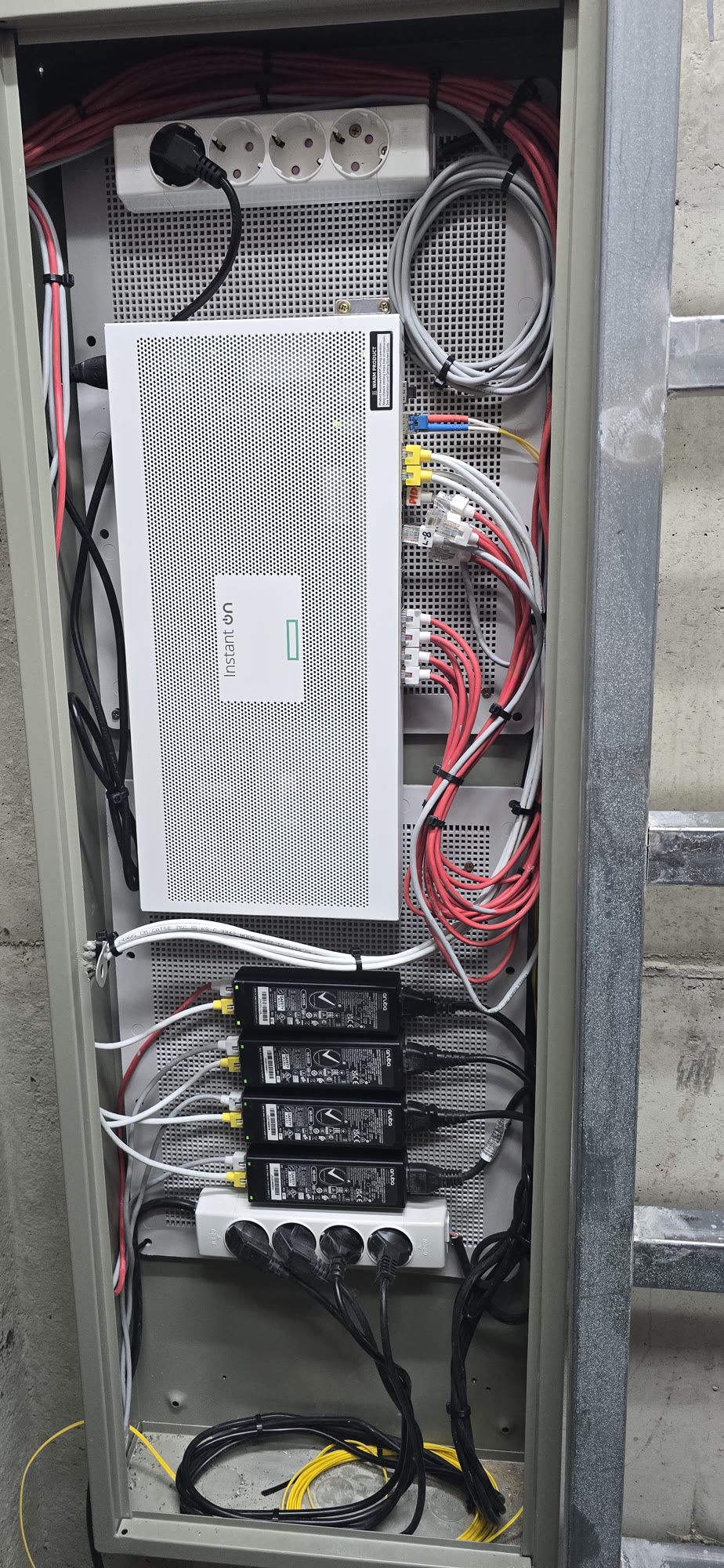
From improving Wi-Fi in one room to connecting multiple floors, we design around how people and devices actually work.
We build reliable wired and wireless connectivity around your layout and devices.
Build a foundation that scales reliably as your business adds equipment.
We plan traffic for offices and stores with many simultaneous users.
Connect floors and zones, from backbone links and telecom rooms to endpoint devices.
Our work goes beyond installing equipment. We review site conditions and design physical cabling and logical settings together to support ongoing operations.
We review your layout, users, business equipment, existing cabling and connectivity.
We design cable routes, equipment locations, IP addressing, VLANs and Wi-Fi policies together.
We install and organize fiber and UTP cables, ports and patch panels where needed.
We install routers, switches, access points and PoE devices and configure them for your environment.
We separate business and guest networks and apply access controls and firewall policies.
We check wired and wireless quality and document equipment, addresses and configuration.
We review your space, usage and current problems.
We survey the site and plan cable routes and equipment locations.
We propose equipment, cabling, addressing and security configurations.
We install cabling and equipment and configure the network.
We verify connectivity and hand over configuration documents.
Project photos show our process and results with customer information, addresses, IPs, serial numbers and other sensitive details excluded.
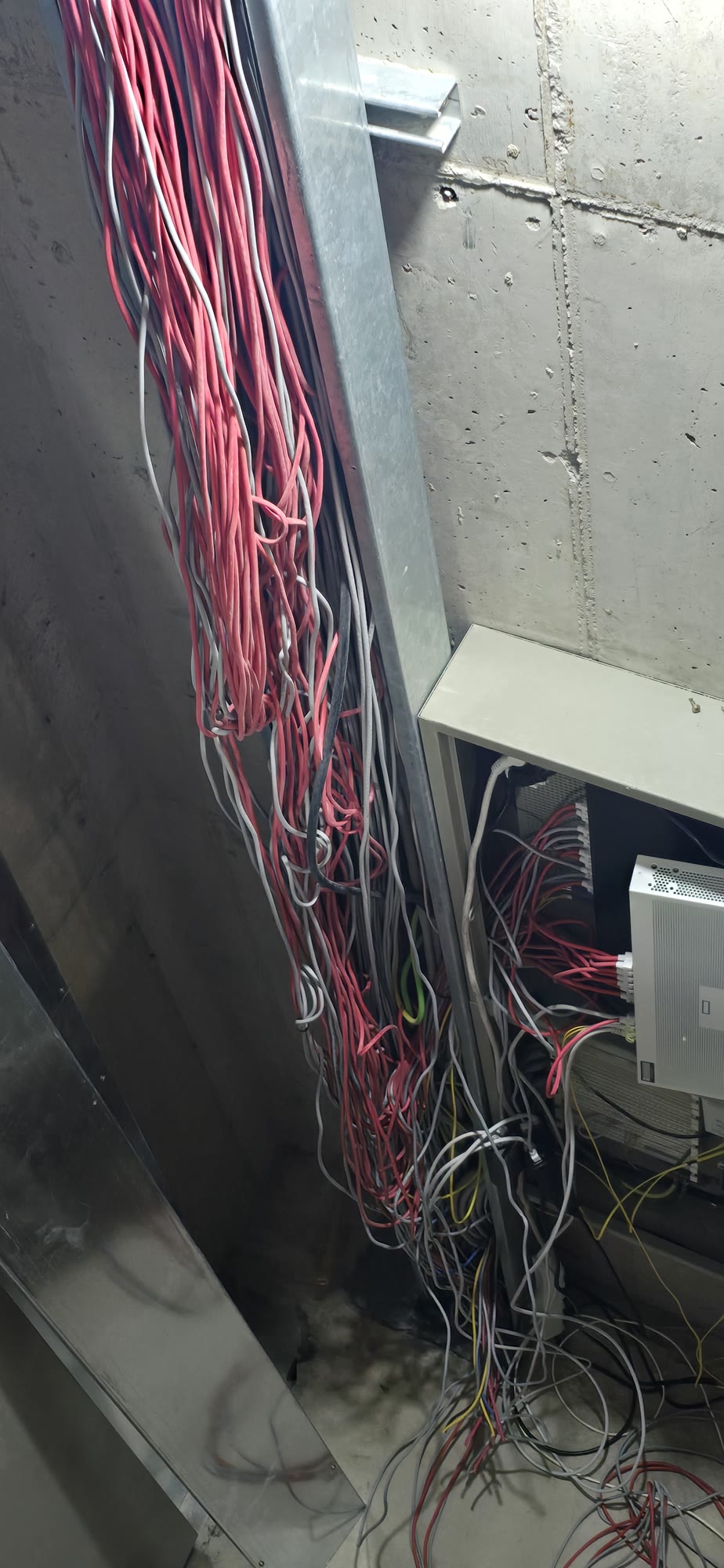
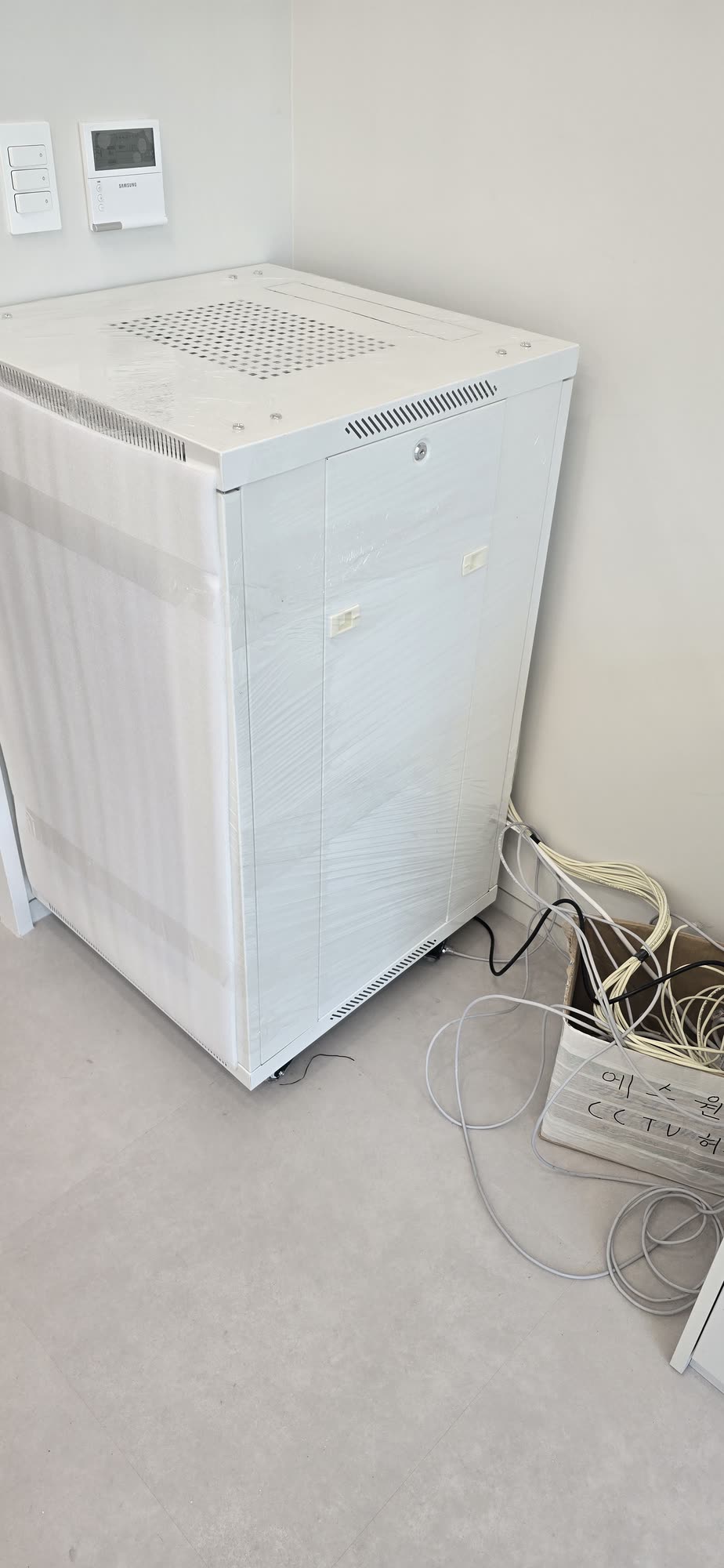
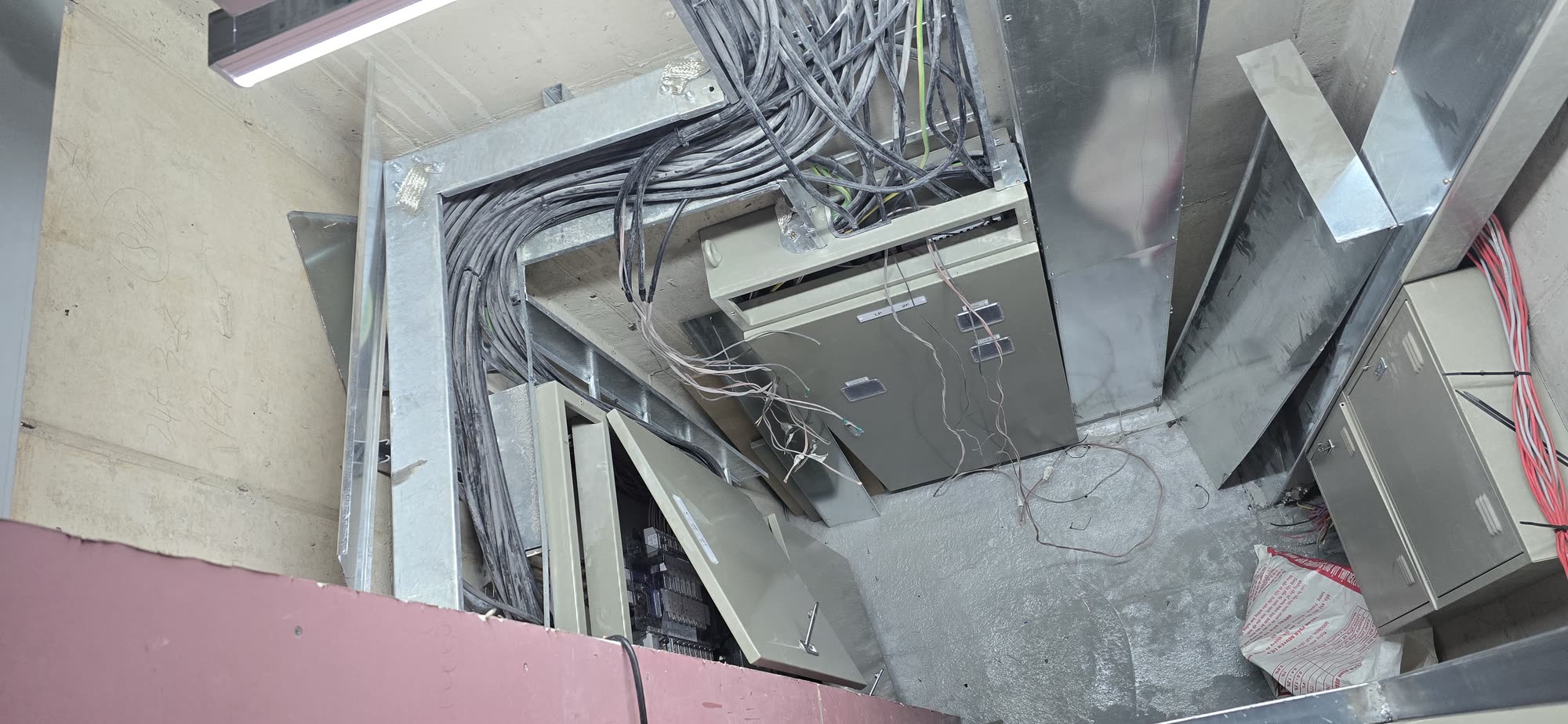
We inspected the tangled cabling and equipment to plan the cleanup scope and installation sequence.
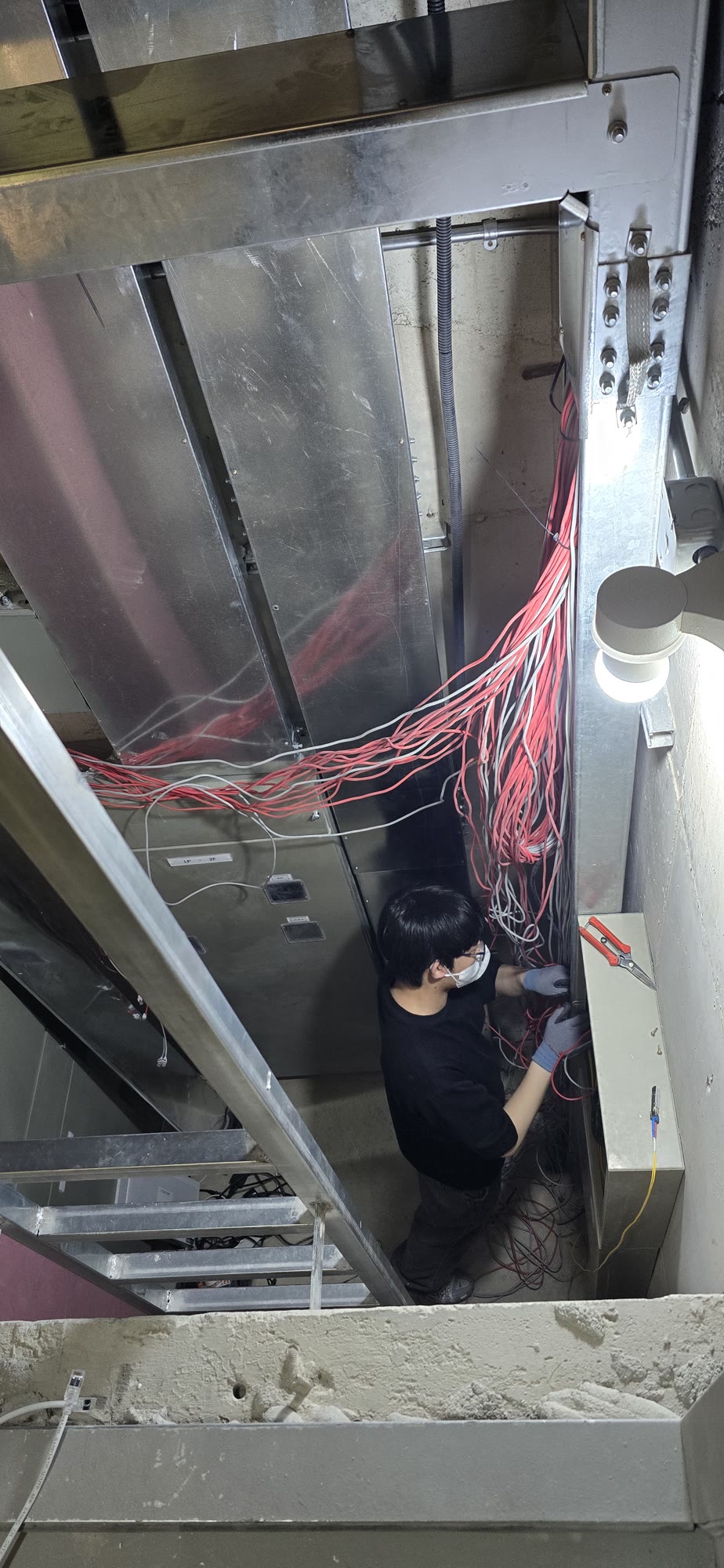
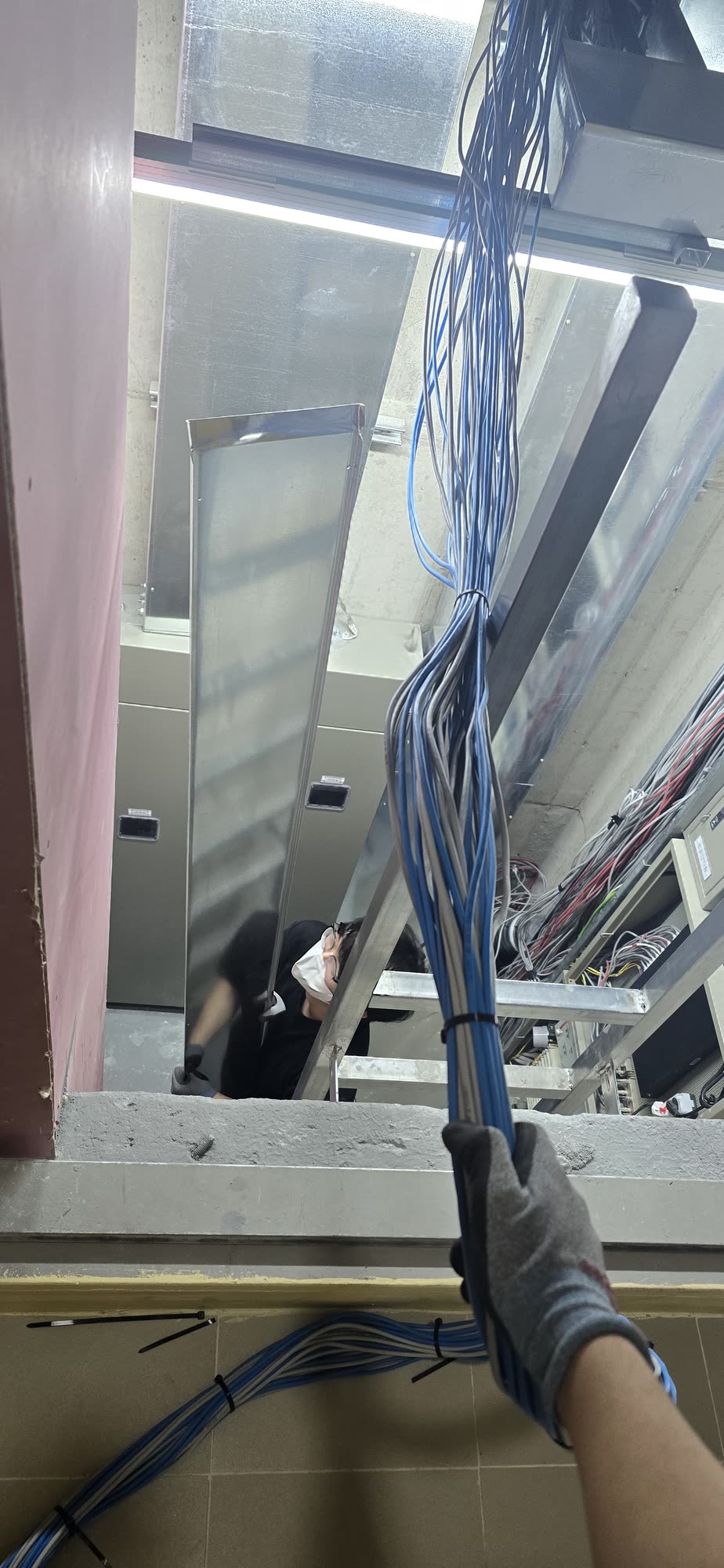
We sorted existing wiring and organized the cables needed along the building's telecom routes.
Photos of cable testing, optical measurements, speed or wireless quality checks will be added.
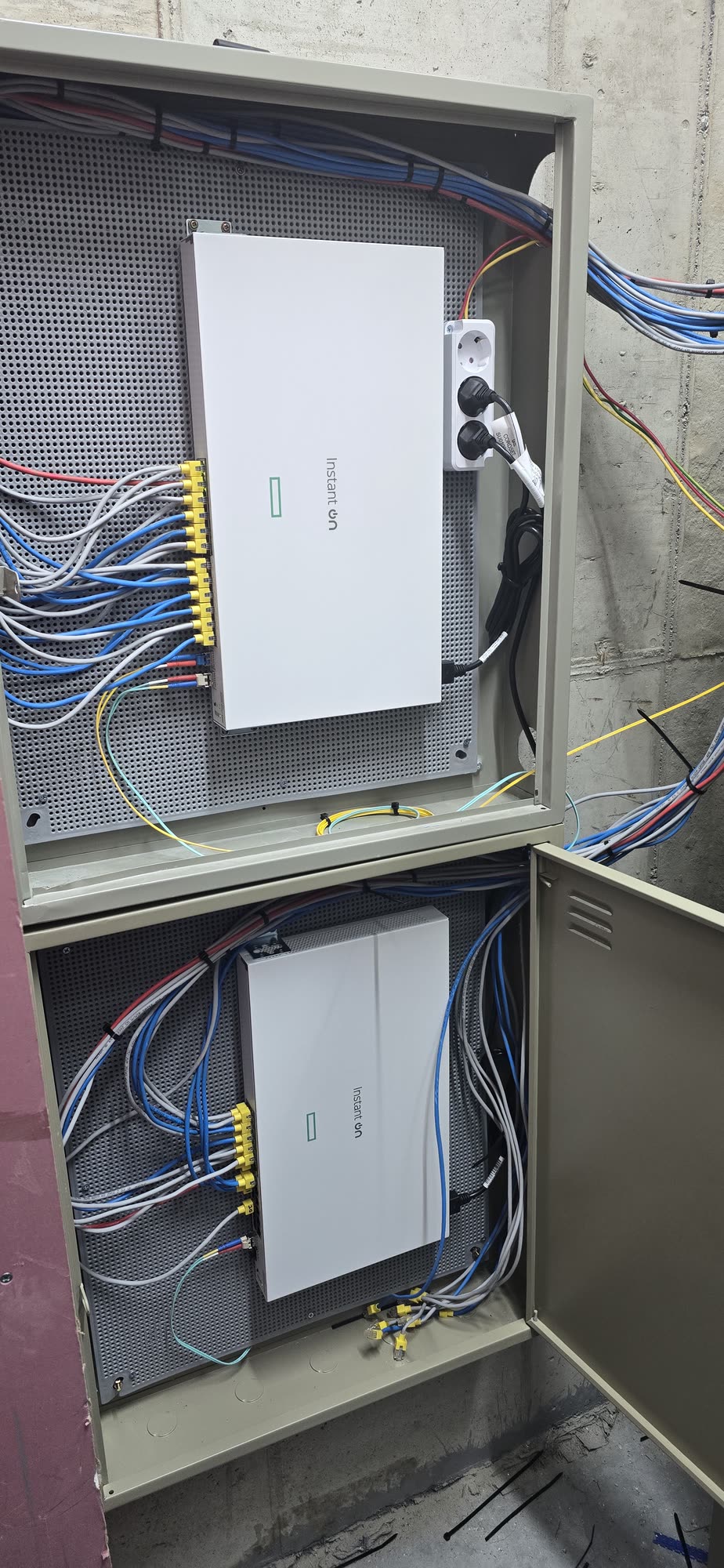
We organized cabling, power and network equipment inside the cabinet and verified connections.
We document the configuration you need to reduce repeat surveys during future incidents and expansions.
We document equipment and key connections so the next technician can understand the setup.
We systematically record IP addresses, VLANs, SSIDs and other operational settings and policies.
We verify wired and wireless connections and key service communication before handover.
Clear equipment names, port labels and cabling records make maintenance easier.
For new installations, moves, expansions, Wi-Fi dead zones and cable cleanup, we assess the site and propose a suitable configuration.