
Routers
Link LAN and static IP details collected on site directly to equipment.
- IP, subnet and gateway
- DNS and DHCP ranges
- Static IP and MAC
 Field operations, organized
A field management app for mobile IT installation and maintenance technicians. Connect customers, contracts, schedules, equipment settings and work history, with AI and field tools to ease recordkeeping.
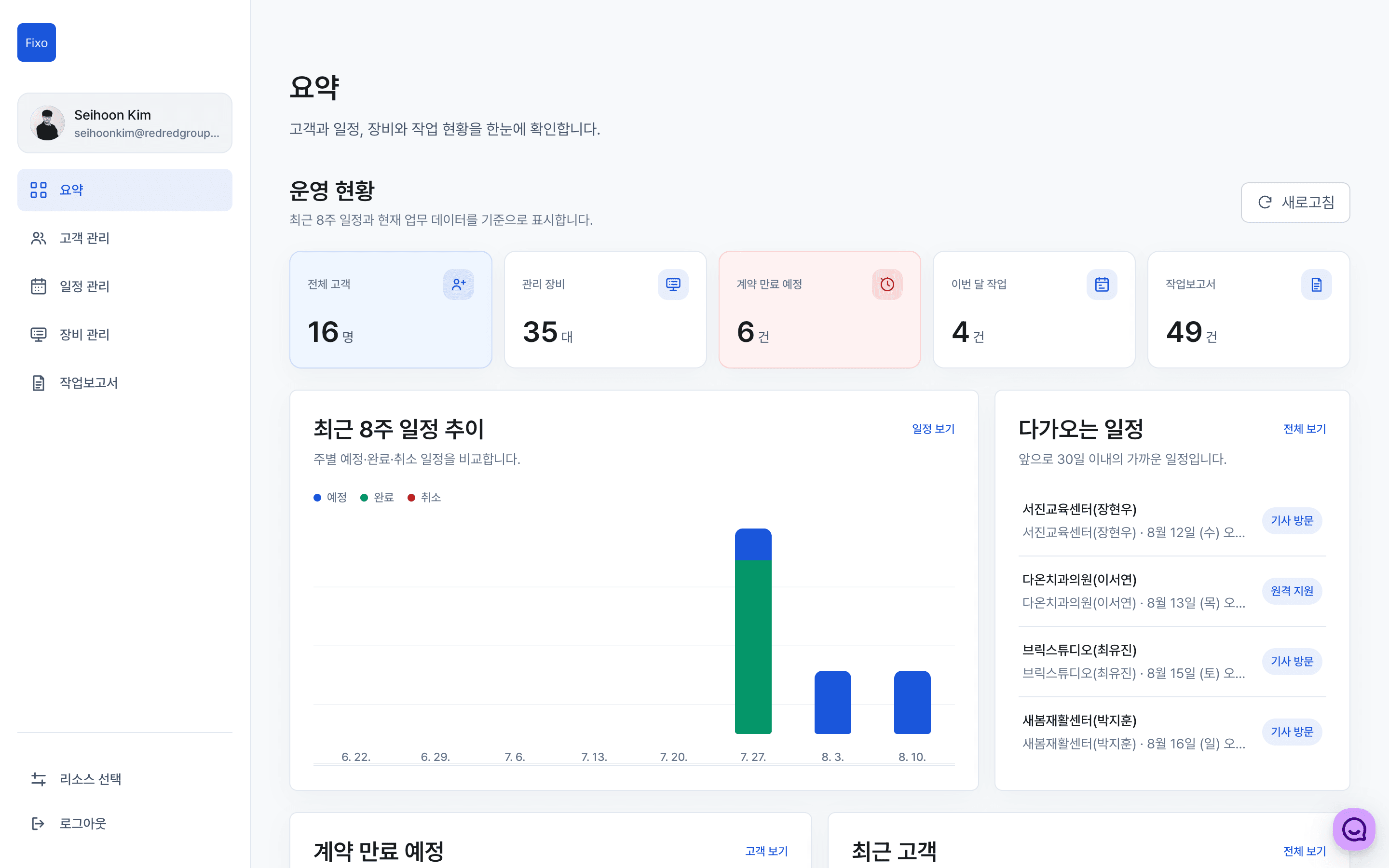
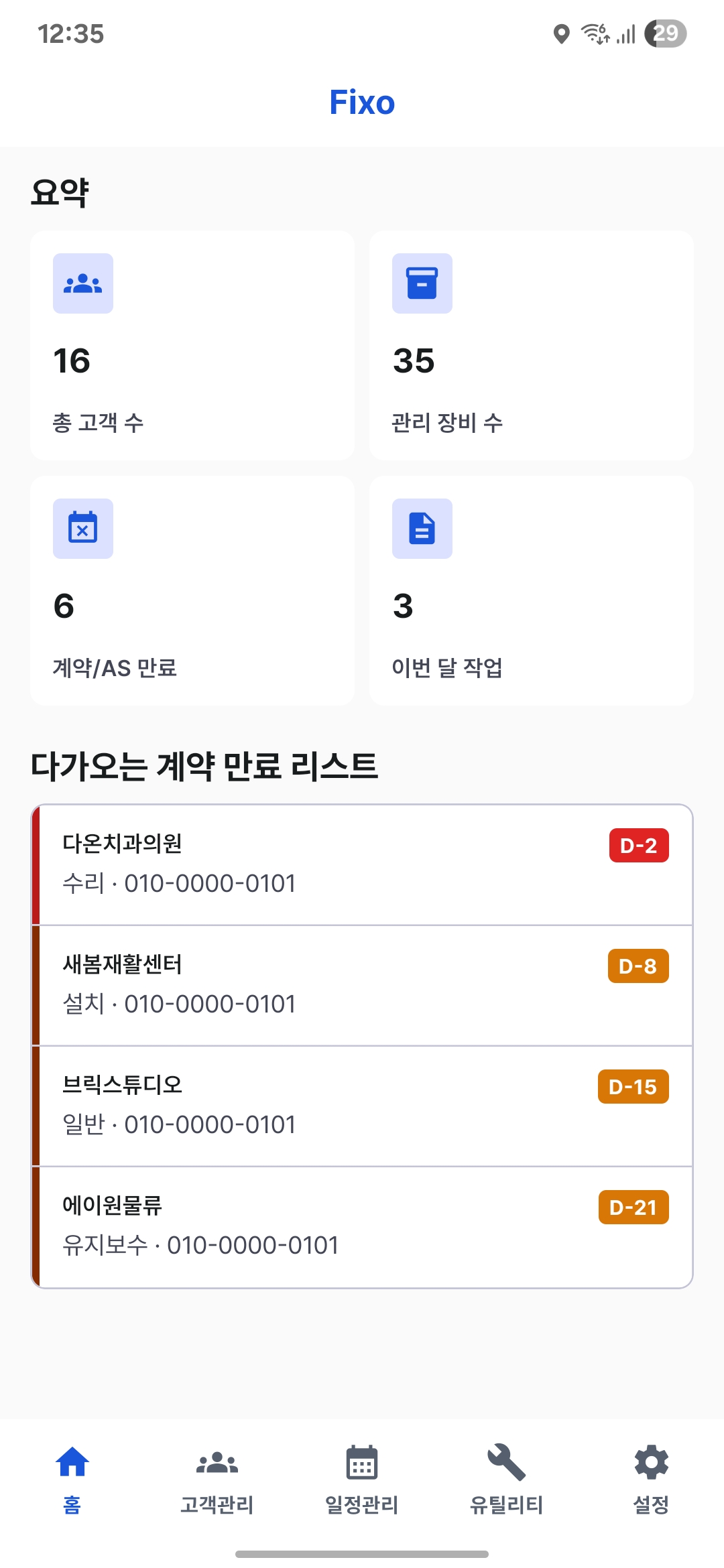
Manage recurring bookings, equipment checks and work records as one customer workflow.
Keep customers, contacts, addresses and contract details in one place.
Book a visit with its purpose and date, and check today's work in the Schedule tab.
Record installed equipment and network and Wi-Fi settings for each customer.
Use AI to organize brief field notes into work reports.
Review previous settings and work history to prepare for the next task.
Schedules, equipment, network settings and work reports stay connected to each customer, keeping essential information together.
Connect contacts, contracts, installed equipment, bookings and work reports around each customer to see the context of field work in one place.
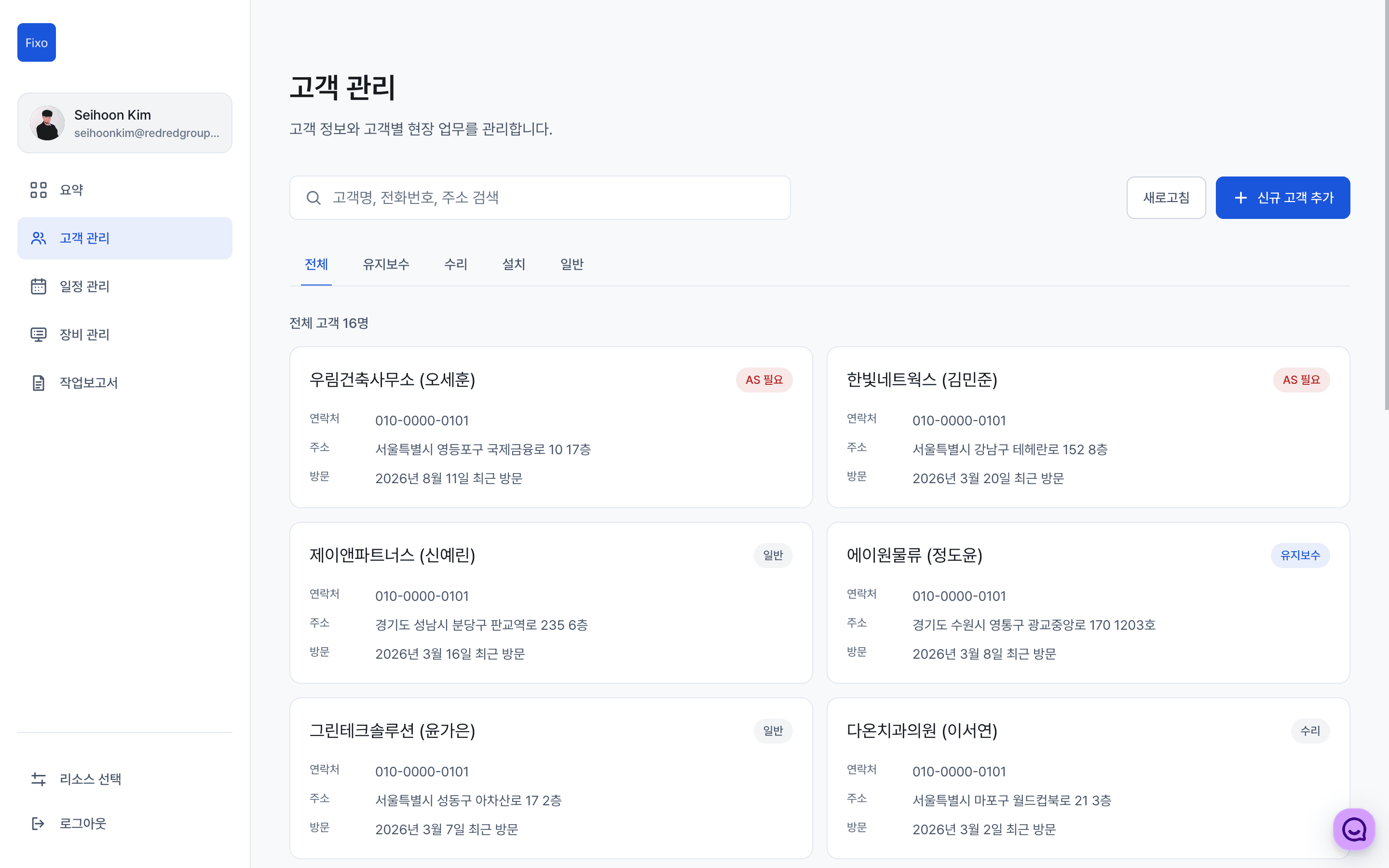
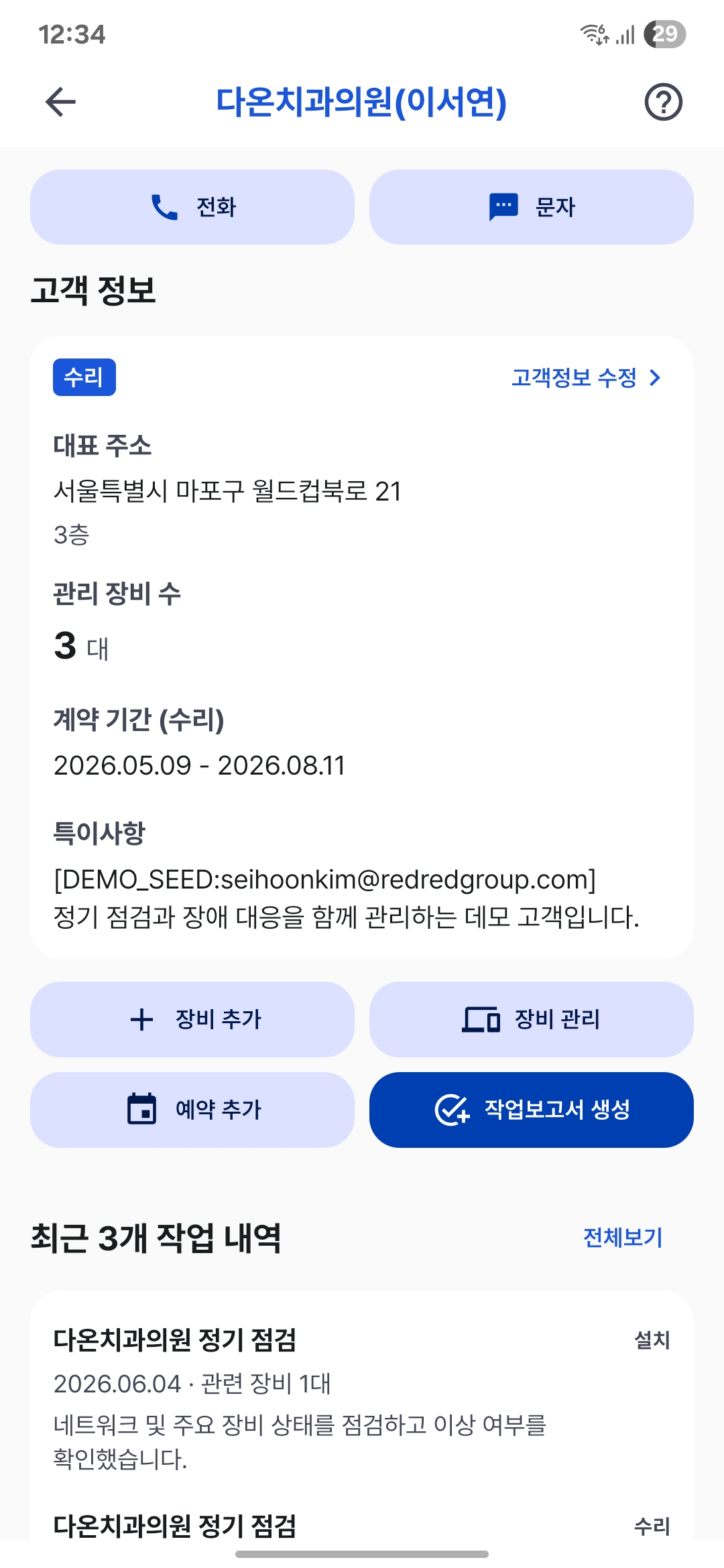
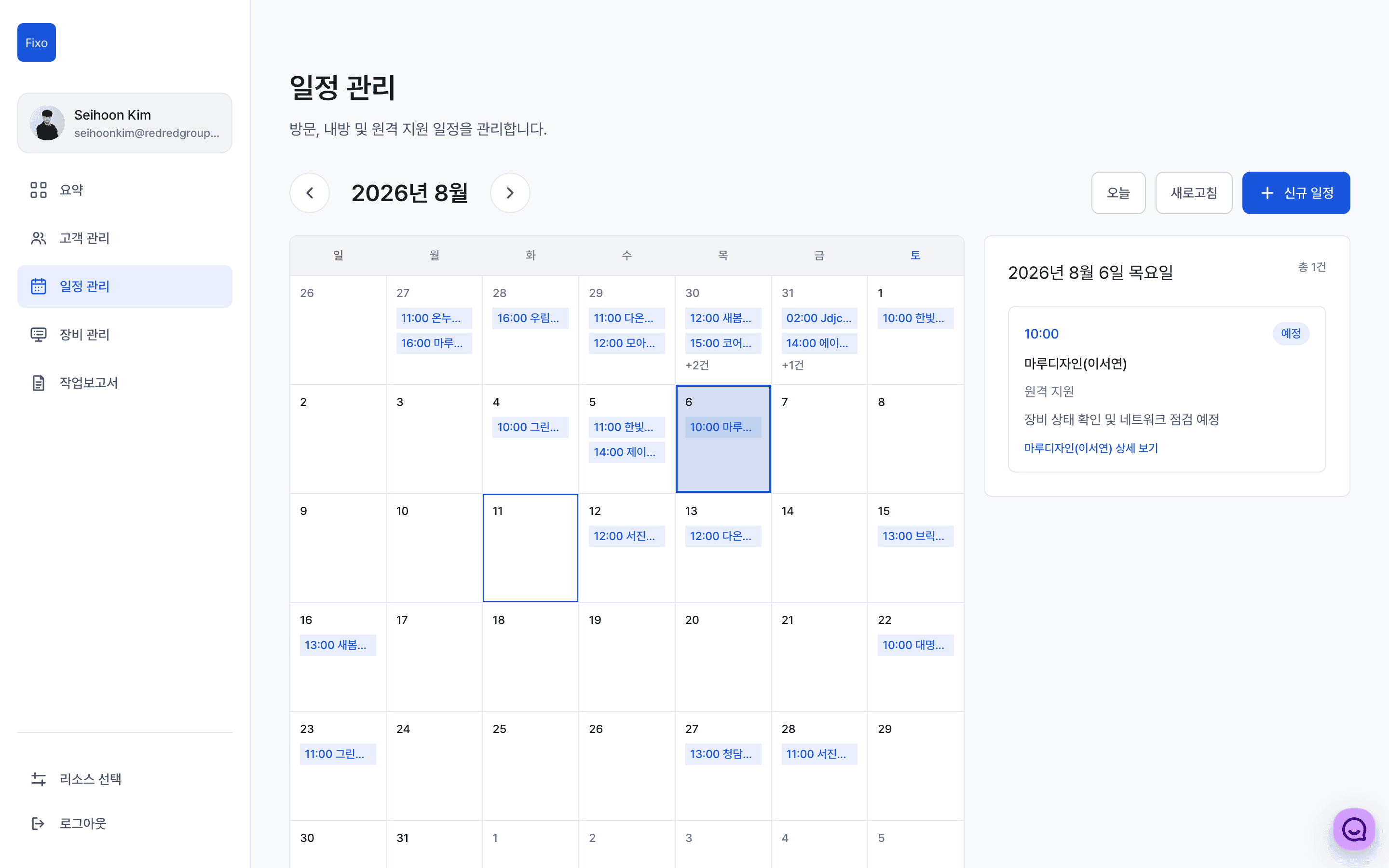
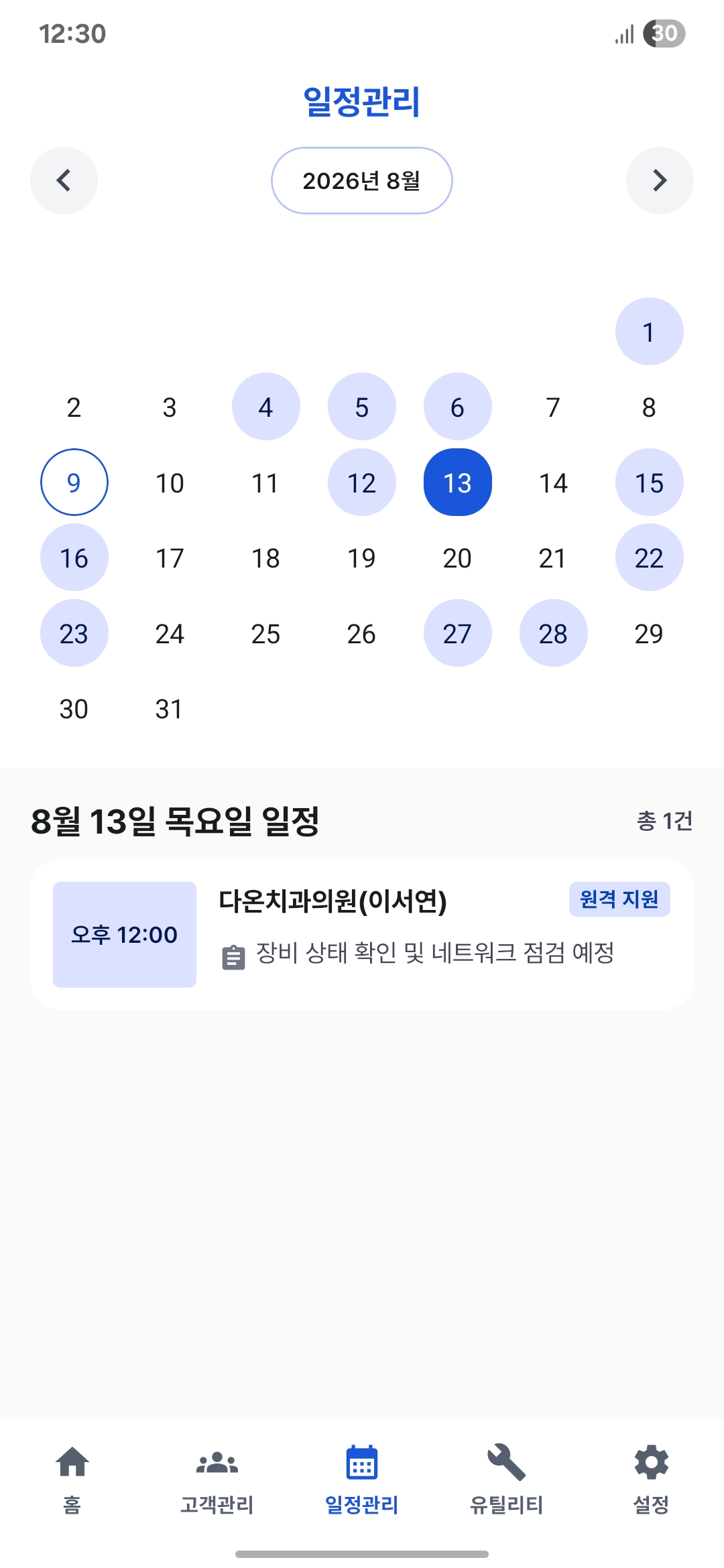
Book visits from customer details, then keep track of today's work and upcoming visits in the Schedule tab.
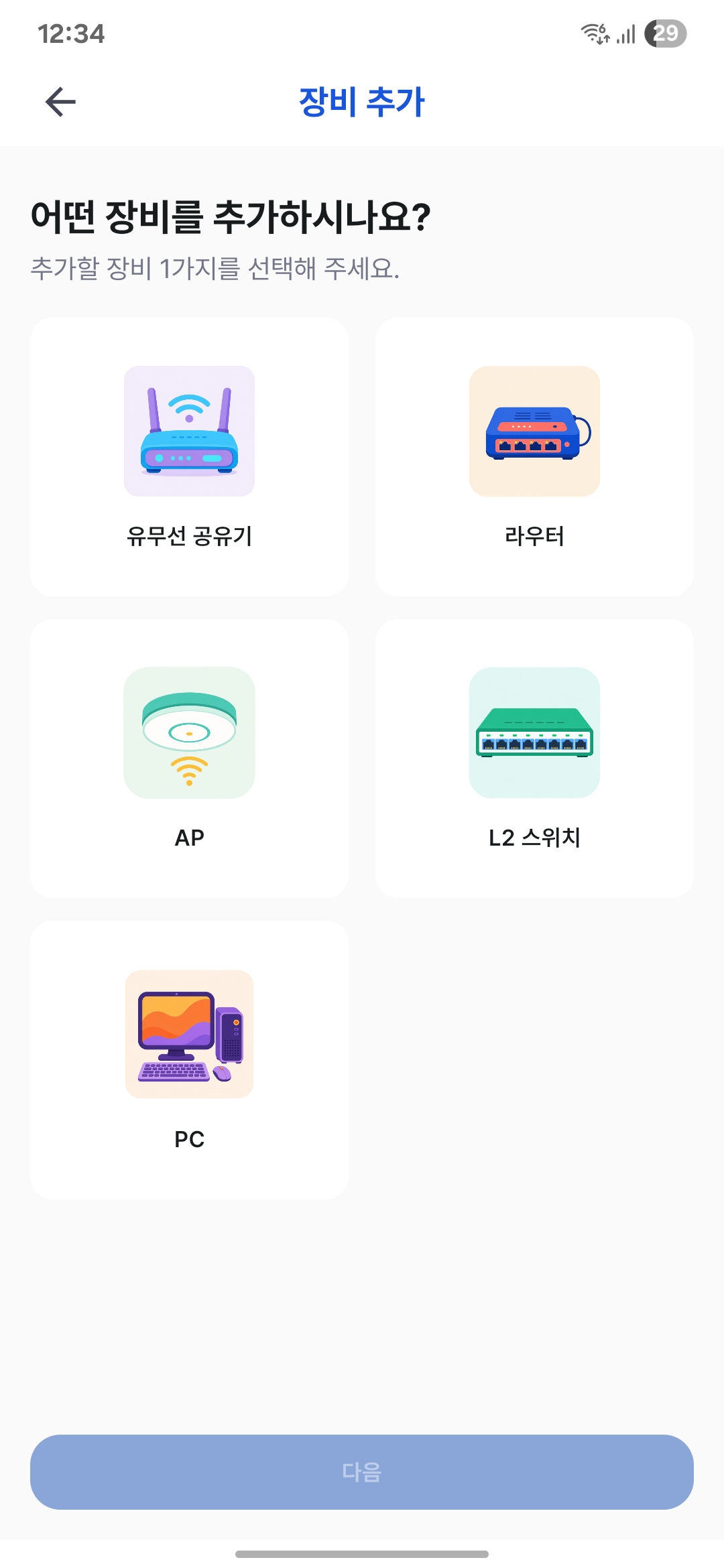
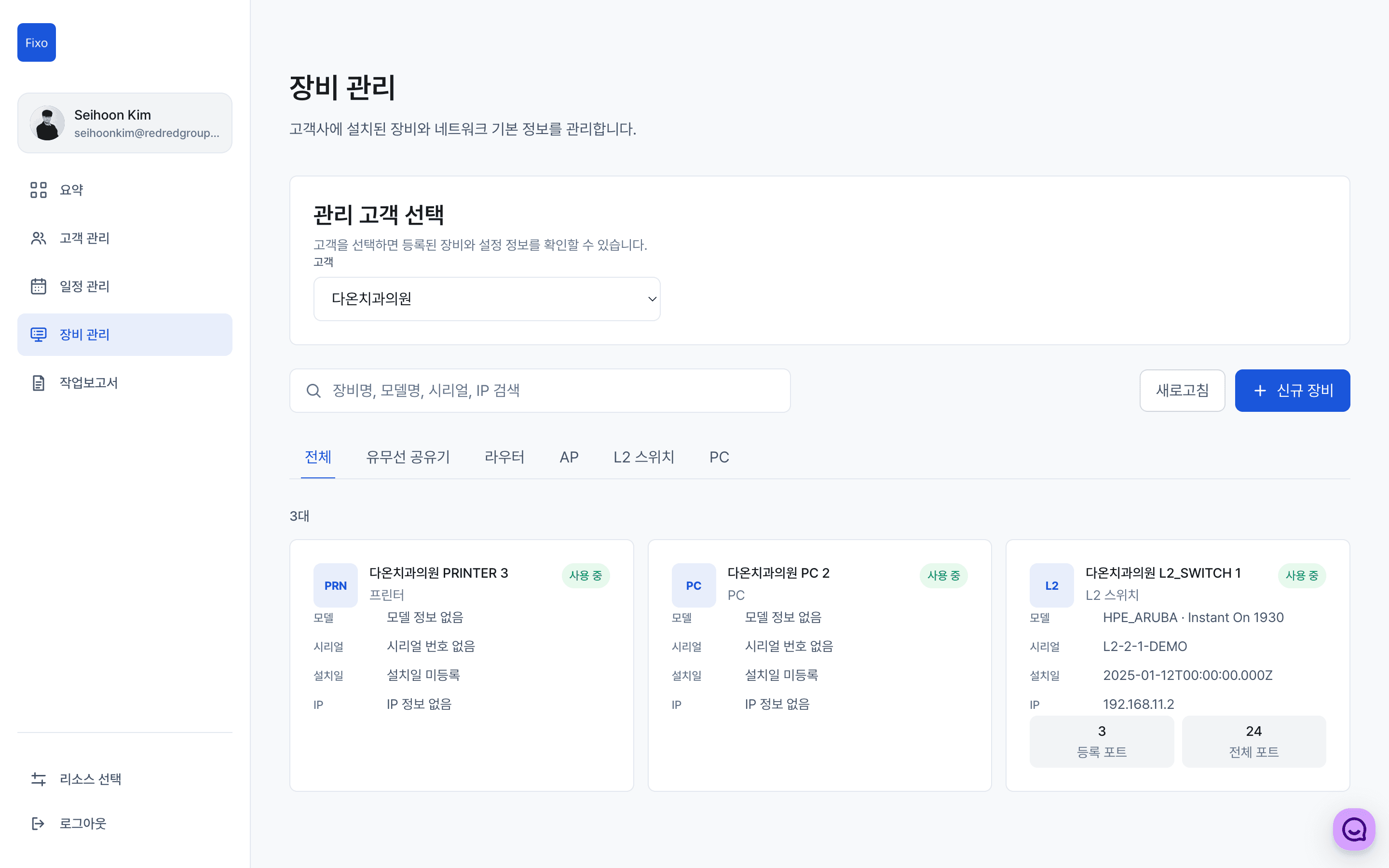
Group equipment inventory and on-site settings by customer to reduce repeat investigation on your next visit.
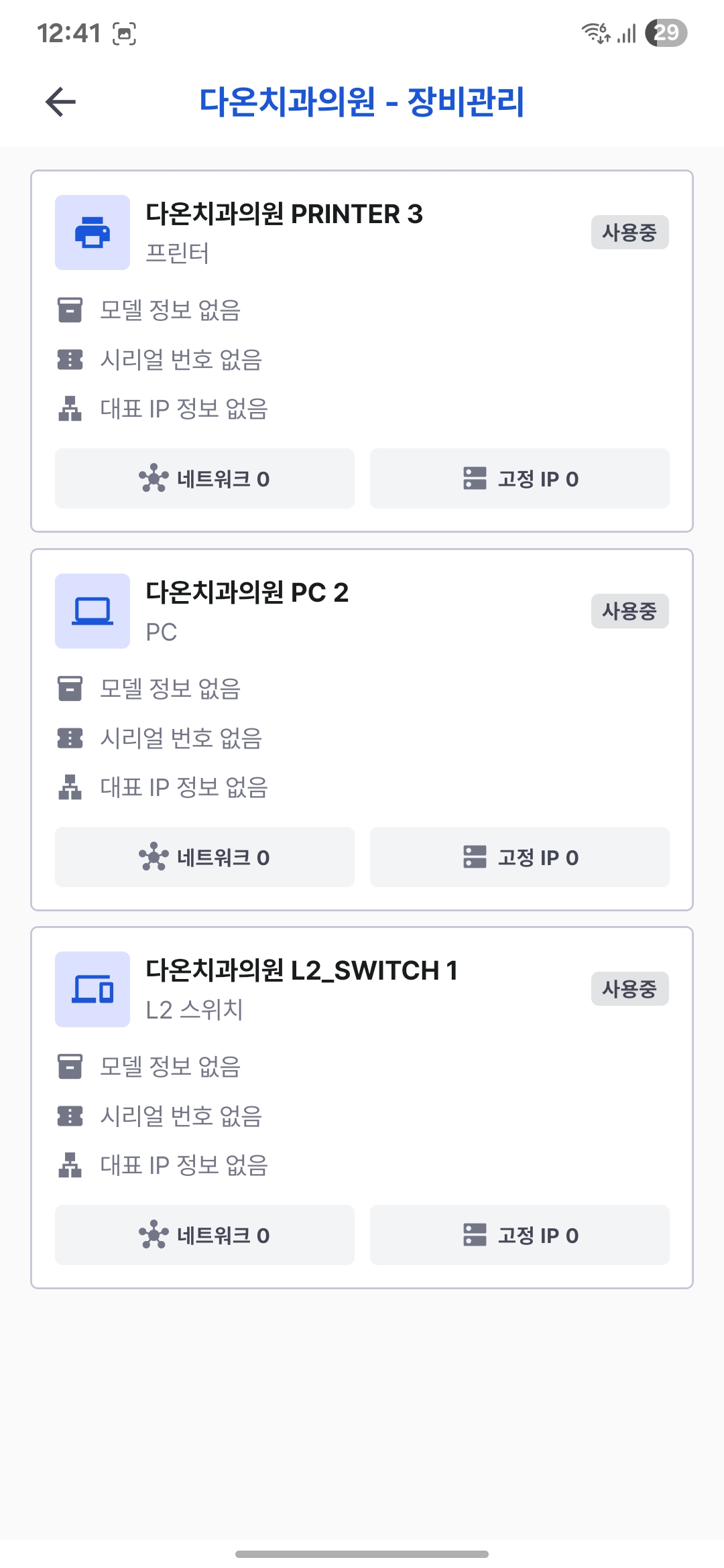
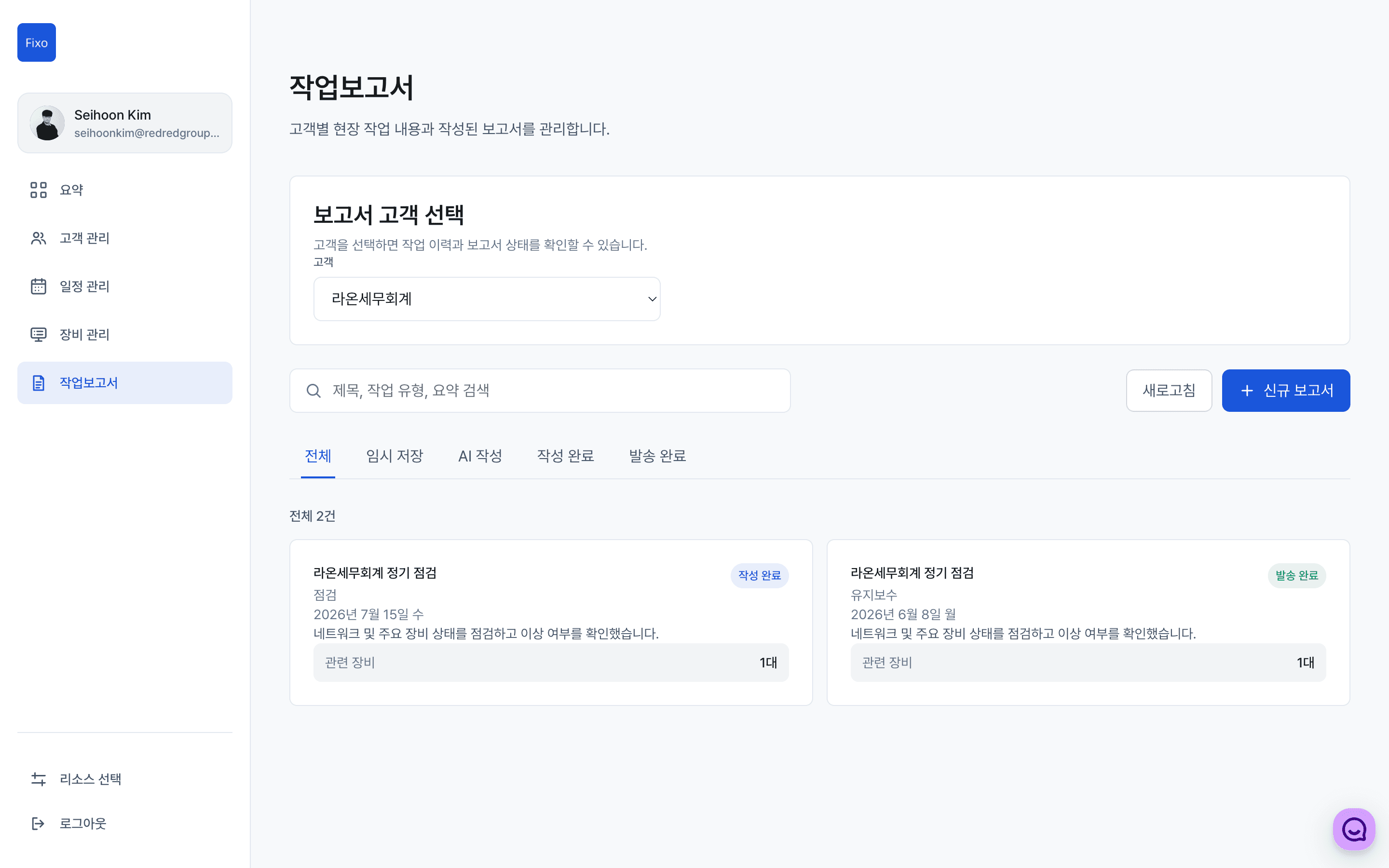
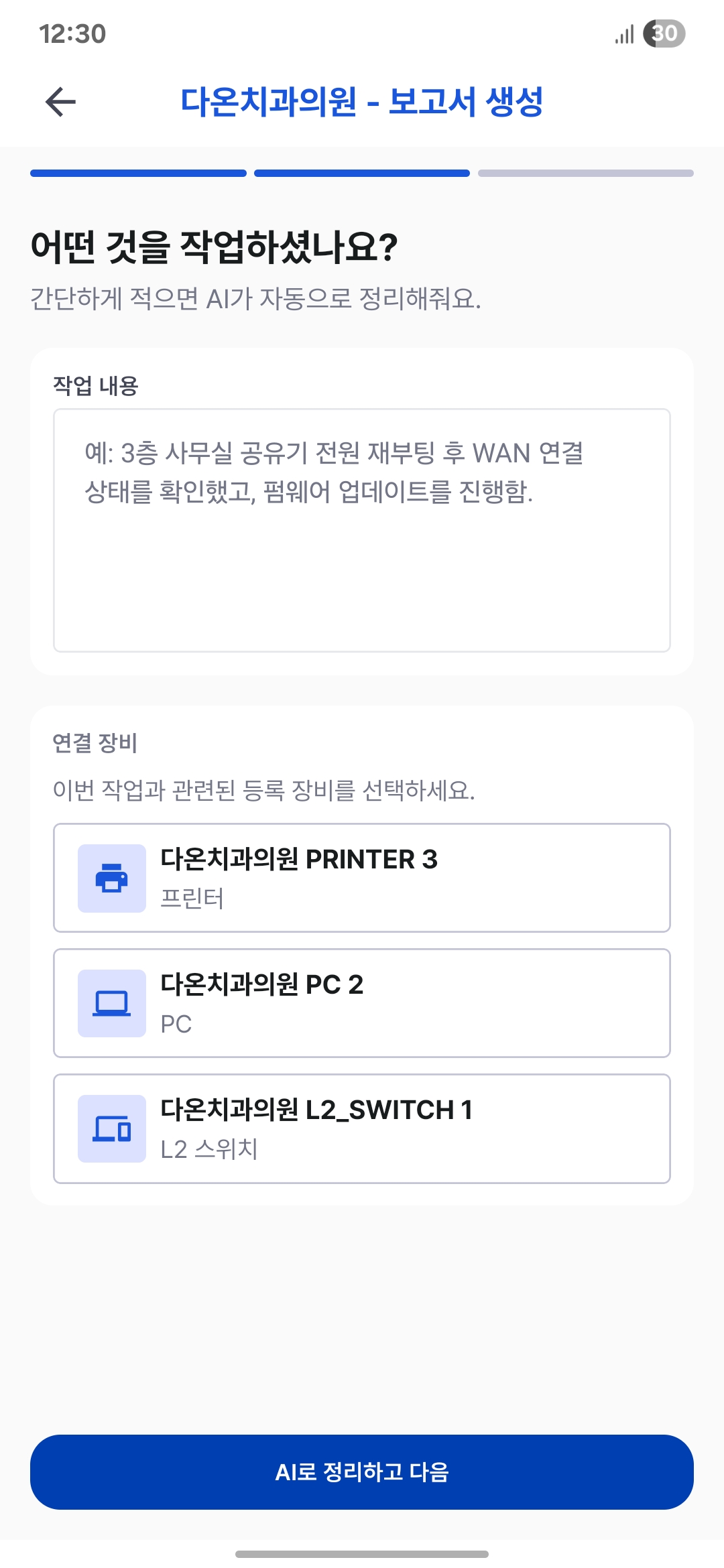
Link completed work to customers and equipment, building a history the next technician can understand immediately.
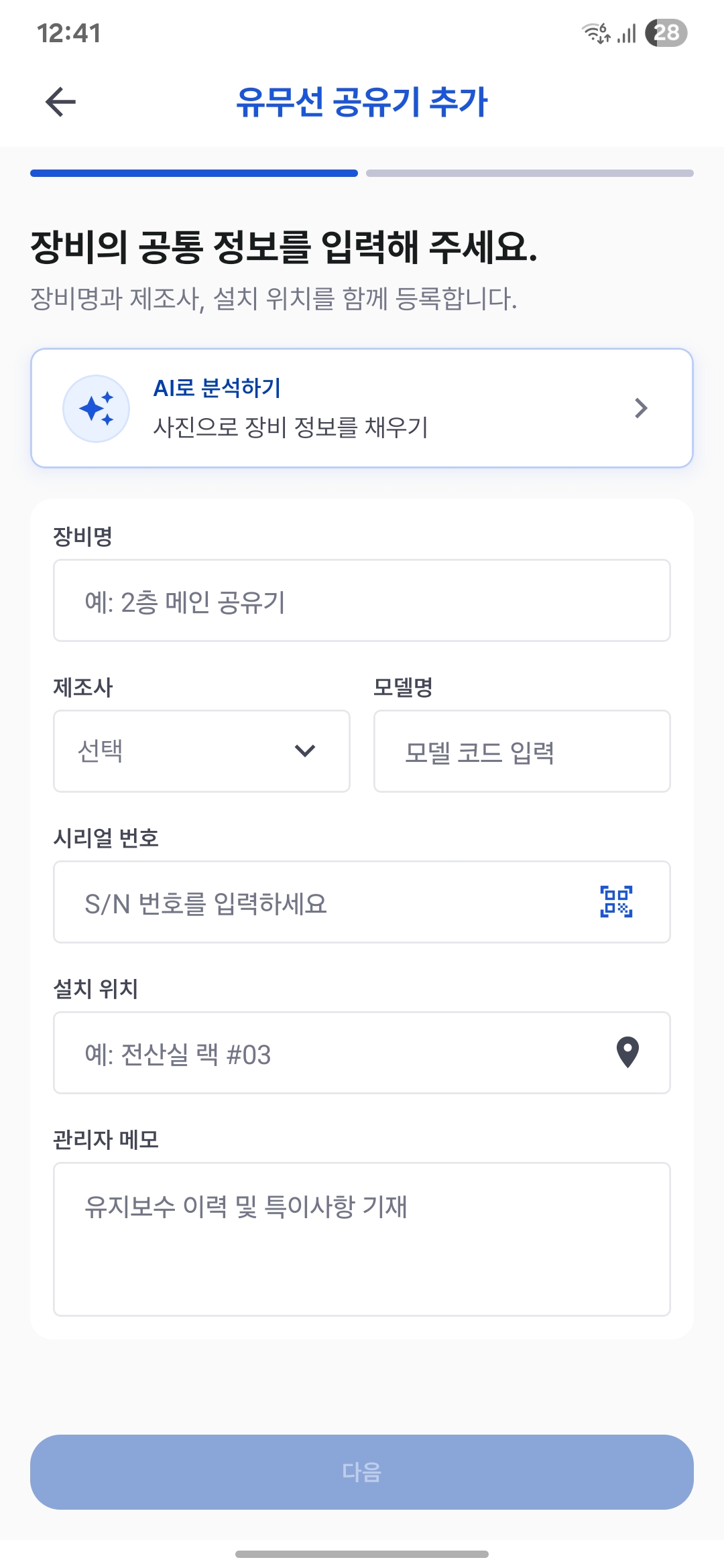
Combine common asset details with device-specific settings to build an equipment inventory that supports real maintenance.
Link LAN and static IP details collected on site directly to equipment.
Manage wired and wireless settings in one equipment record.
Use customer Wi-Fi profiles to keep settings consistent across multiple access points.
Record switch management settings and detailed port connectivity.
Manage PC asset details alongside the hardware configuration you need on site.
AI organizes photos and brief notes first; technicians review and save the results to reduce field data entry.
Extract equipment names, brands, models and serial numbers from photos to assist initial entry.
Turn notes written before a customer visit into clear booking details.
Assist work report writing using brief descriptions of the work and selected equipment.
Run network checks and installation tools without switching between apps.
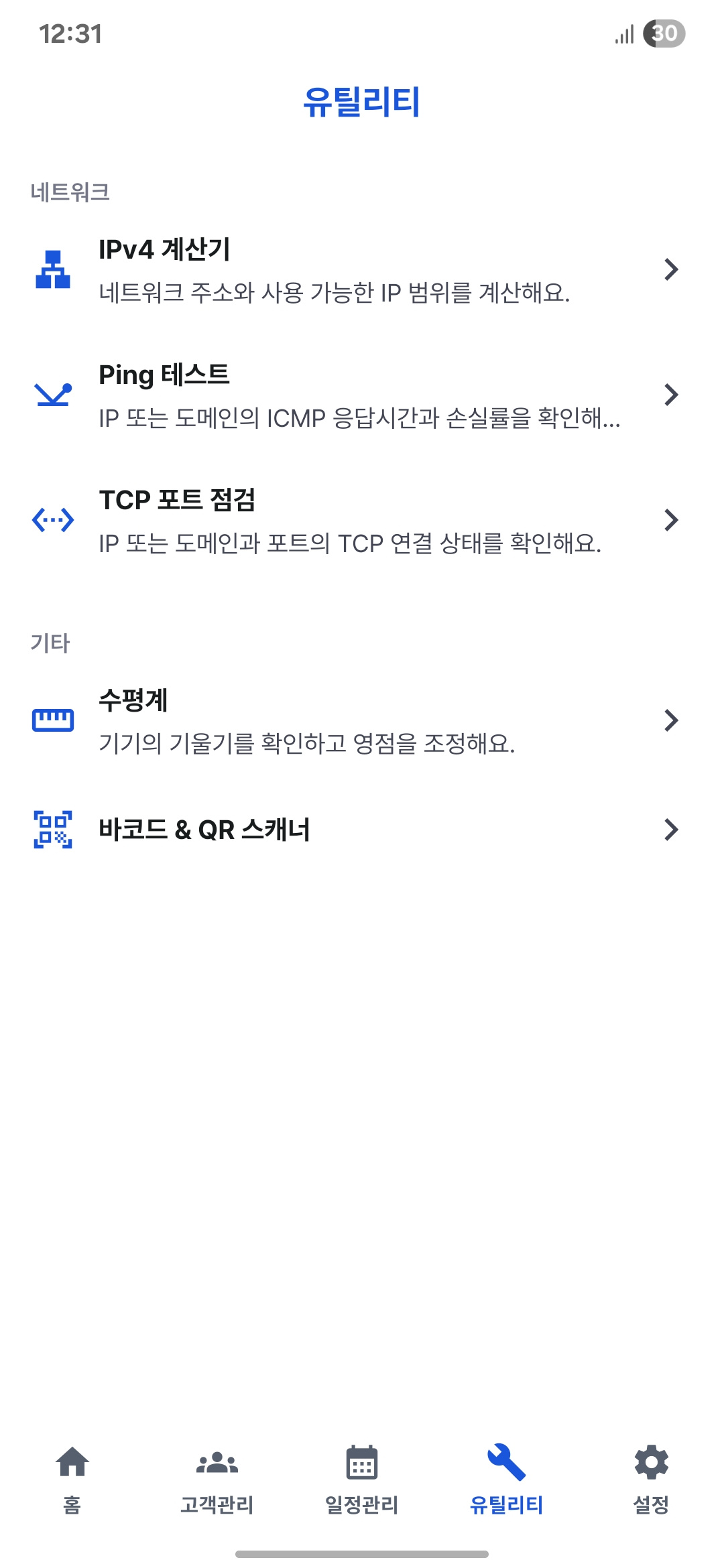
Enter an IP address and subnet to calculate the network, broadcast address and usable range.
Check connectivity to an IP address or domain with standard or continuous Ping.
Quickly check port connectivity to a target host on site.
Use smartphone sensors to check horizontal and vertical angles when installing equipment and racks.
Scan barcodes and QR codes with the camera to assist field entry.
You do not need to re-enter existing data. The Fixo onboarding team reviews your records and helps migrate customer, contract and equipment details to Fixo for free.
Migration scope and timing may vary depending on the data format and volume.
We review the fields and condition of your Excel or CSV data and explain what can be migrated.
We organize and migrate customers, contacts, addresses, contracts and equipment to fit Fixo.
Review the migrated records with us, apply any corrections and start using Fixo.
Keep customers, schedules, equipment settings and work reports in one place, ready for your next site visit.