See what is happening
Inspect logs and resource metrics, review deployments and open a terminal from Console.
Deploy a container image, connect a domain and follow your application through logs, health checks and deployment history.
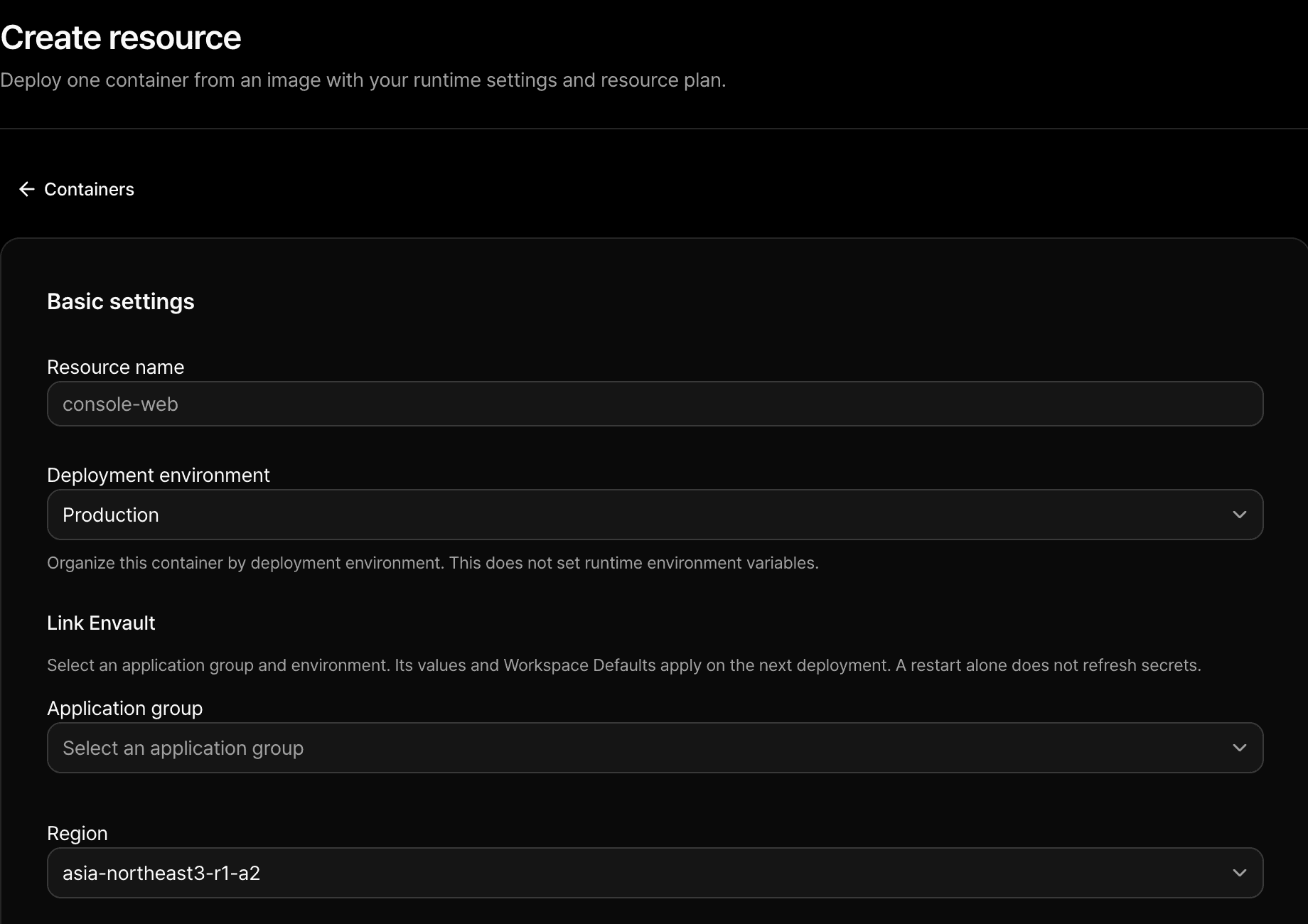
Choose the image and tag, then configure the resources, port and health check your app needs.
Inspect logs and resource metrics, review deployments and open a terminal from Console.
Attach persistent storage for files your application needs across deployments.
Connect an Envault environment instead of copying credentials into each container. Redeploy after updating secrets to apply the new values.
Envault