Local development, without an .env file.
The RDC CLI loads secrets into the child process environment when your command starts. Your app reads environment variables as usual.
Read the CLI guideKeep credentials in Envault and load them into your app when it runs. Use the same secret groups for local development and Container Engine deployments.
Keep a common API key in a Shared group. Reference the keys your applications need, using the group, environment and key name.
Creating a Shared secret does not send it to every app. Each application chooses the keys it references; update the common value at its Shared source.
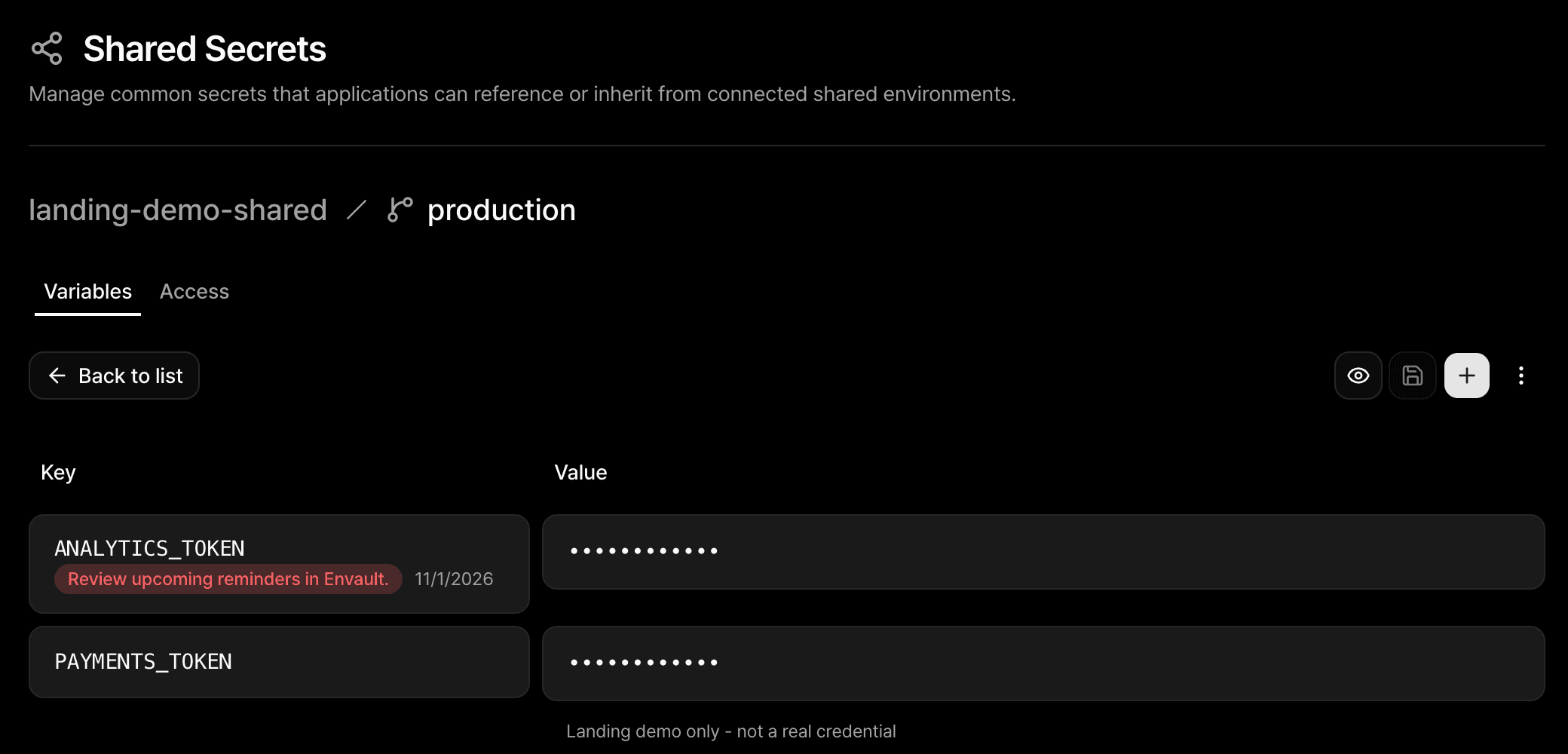
PAYMENTS_TOKEN••••••••Shared key references
PAYMENTS_TOKEN••••••••References payments-common / production
PAYMENTS_TOKEN••••••••References payments-common / production
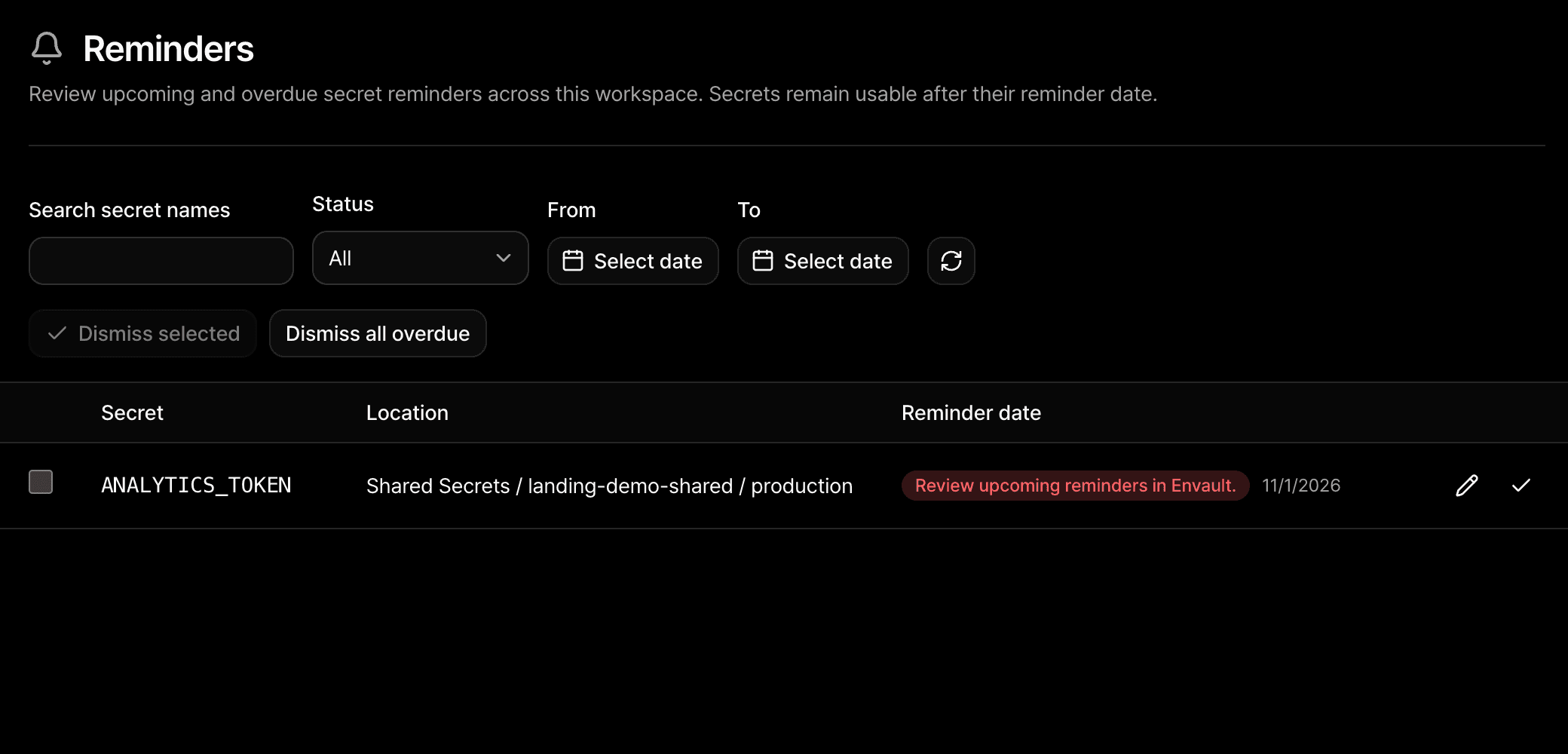
Set a review date on a secret. See upcoming and overdue reminders together, with Console notifications and email digests as the date approaches.
Shared secrets keep one reminder at the source, even when several applications use them. Reminders track review dates; they do not rotate or expire credentials.
Organize application-specific keys in a group, then separate development and production. Keep database credentials local to that environment while reusing common keys from Shared Secrets.
Select the group and environment when linking a container or running a local process through the RDC CLI.
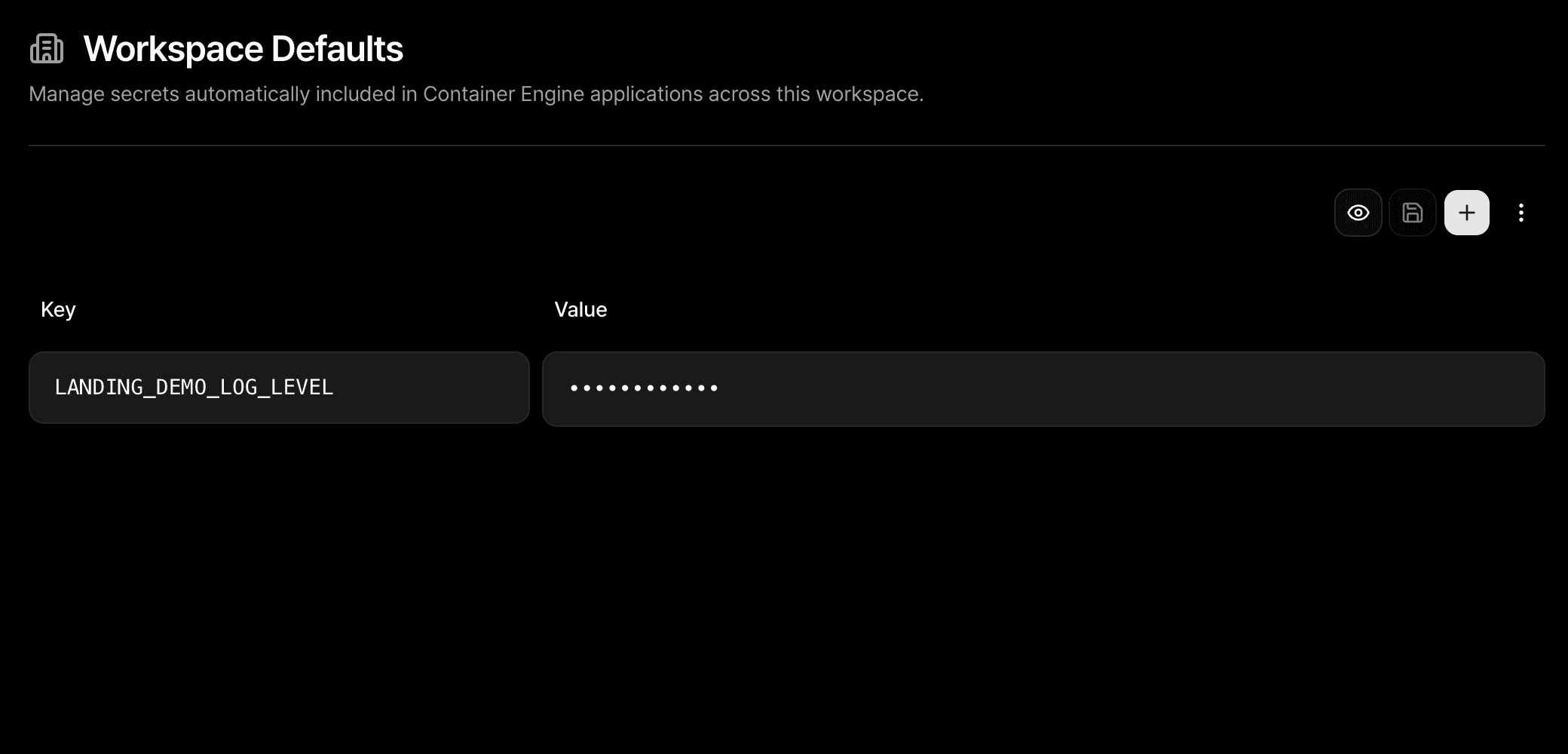
Use Workspace Defaults for values every supported application container should receive, such as a common log level. Environment-specific credentials belong in Application Secrets.
Defaults apply when containers are created, started or redeployed. Application values and container-local overrides take precedence over the same default key.
Choose an Application environment for local development or link it to Container Engine. Envault resolves Shared references and combines defaults with application keys for delivery.
The RDC CLI loads secrets into the child process environment when your command starts. Your app reads environment variables as usual.
Read the CLI guideChoose Link Envault in Container Engine and select a group and environment. After changing secrets, redeploy to apply the new values; a plain restart keeps the delivered configuration.
Explore Container Engine